Using Moneda
Using Moneda help and FAQs from Moneda on your self-custody account, stablecoins, transfers, security, and AI agent.
Very little. You need a smartphone and an email address, and you can sign up with Apple, Google, or email.
Your phone does need to support passkeys, since that is how you sign in and approve payments. That means a screen lock set up on the device, and Android 9 or later. Some third-party password managers need Android 14 or later.
To use features like virtual accounts, deposits, and withdrawals, you will also need to complete identity verification (KYC), but you can create your account first.
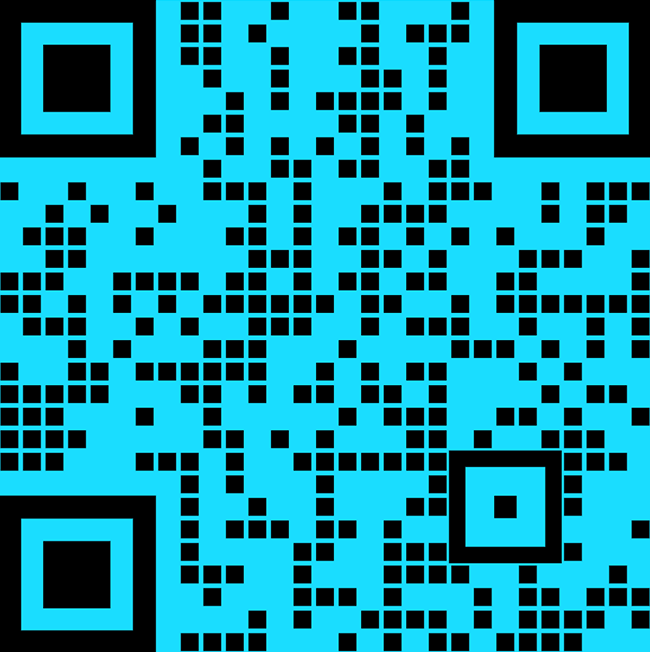
You can download Moneda on Google Play (Android) or the Apple App Store (iOS) using the following links: • Android: https://play.google.com/store/apps/details?id=com.moneda.io • Apple: https://apps.apple.com/app/moneda/id6741869236
Simply download the app and Sign up with your Google or Apple account. After that you will need to create a Passkey that you will need to sign transactions on the Moneda.
On the Moneda app, go to the currency you want to add and click the “Top up” button, after which you can select the method you want to top up your account. Alternatively, you can share your account wallet address to receive EURC or USDC on the Base network or top up via other networks using our dedicated onboarding app on desktop and mobile.
You can top up your account on Moneda via:
• Moneda: share your username and receive funds from friends on Moneda. • Bank transfers: transfer funds via SEPA (EU), ACH (US). • Cryptocurrencies: connect your desktop or mobile wallet to transfer EURC or USDC stablecoins on the Base network. You may also transfer funds in other cryptocurrencies from major blockchains, which will be then exchanged (swapped) to EURC or USDC. • Coinbase: connect to your Coinbase account and deposit funds into Moneda using your debit cards, credit cards or your Coinbase balance.
You can receive stablecoins on your Moneda account by sharing your account address, found in your account details (Home > Details > Crypto Wallet Details).
Make sure the sender transfers one of the stablecoins Moneda supports, on the Base network: USDC, EURC, CHFAU, CADD, or MXNB. Any other token sent to that address will not be accessible to you.
Using the wrong token or the wrong network could mean losing your funds or not being able to access them. When in doubt, ask the sender to transfer a small amount first.
The username is the unique identifier that others can use to find and transfer funds to you on Moneda. The display name is the nickname that you define and that other users see when transferring you. The display name can be changed at any time.
You can write an email to us from the Moneda app settings. Simply navigate to Settings > Account > “Download Data”. This will open your email service. After we receive your email, we will process your request within 5 workdays.
Please don’t because you will be missing out on an incredible product experience, but if you’re 100% convinced that Moneda is not for you, navigate to Settings > Account > “Delete Account”. You will then need to answer a short questionnaire before your account is deleted.
Moneda can notify you about things like incoming and outgoing payments, earnings, and account or security activity. You control these in the app's notification settings, where you choose what you're notified about and turn off anything you don't want. You can also set them per channel, such as push and email.